

Quick Start
1
Install Claude Code
To install Claude Code, run the following command:
2
Start your first session
Open the terminal and set the environment variables as follows:Next, navigate to your project directory and start Claude Code. You will see the Claude Code prompt in a new interactive session: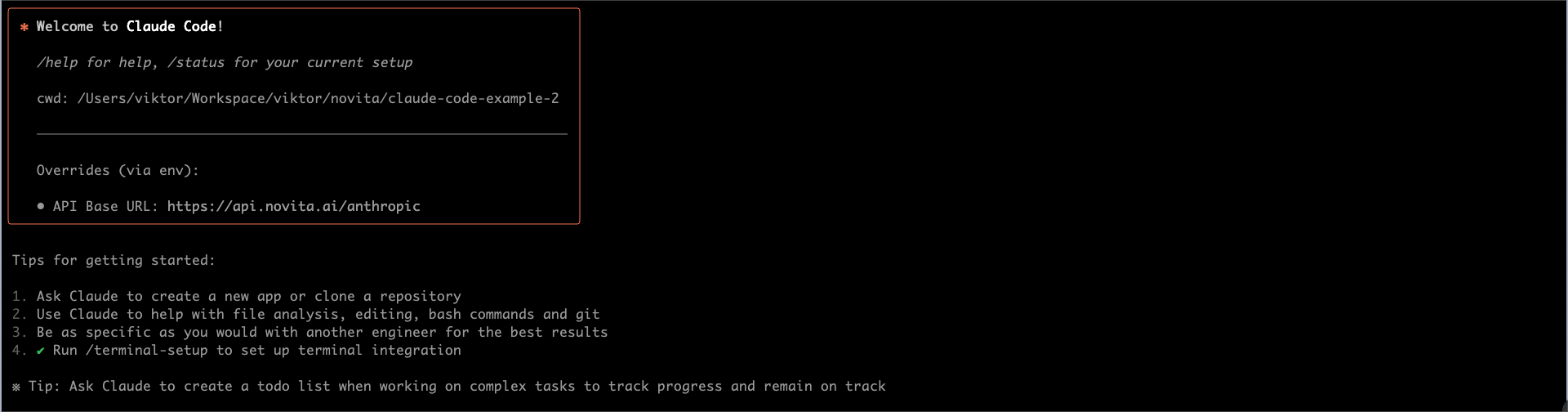
3
Build a web game from scratch
Enter your task description, then press 

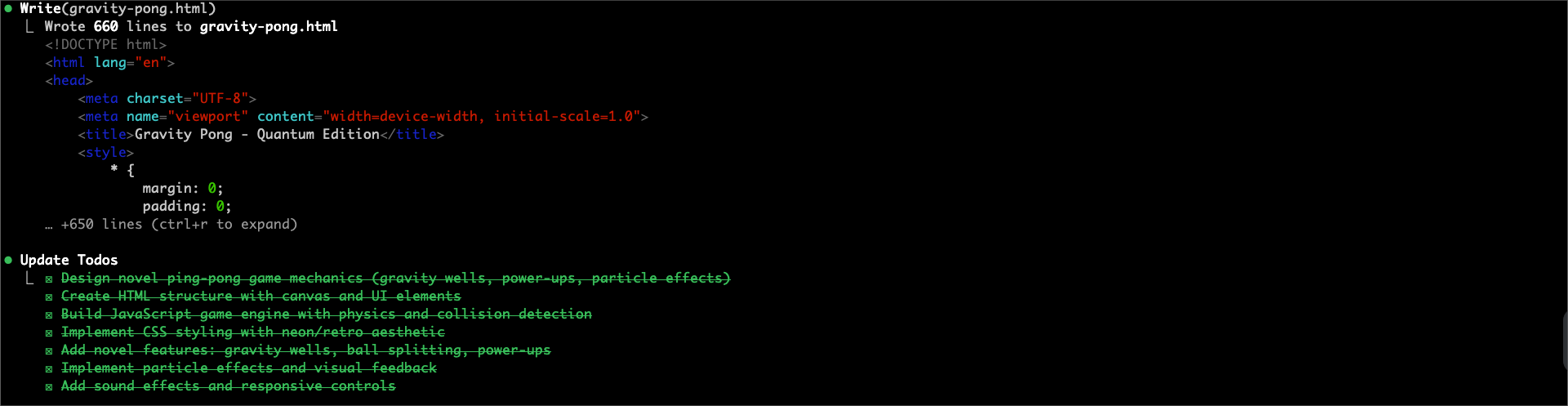
Enter to start the task.Bash
4
Task Results and Preview
After all tasks are completed, you will see the following messages in the terminal: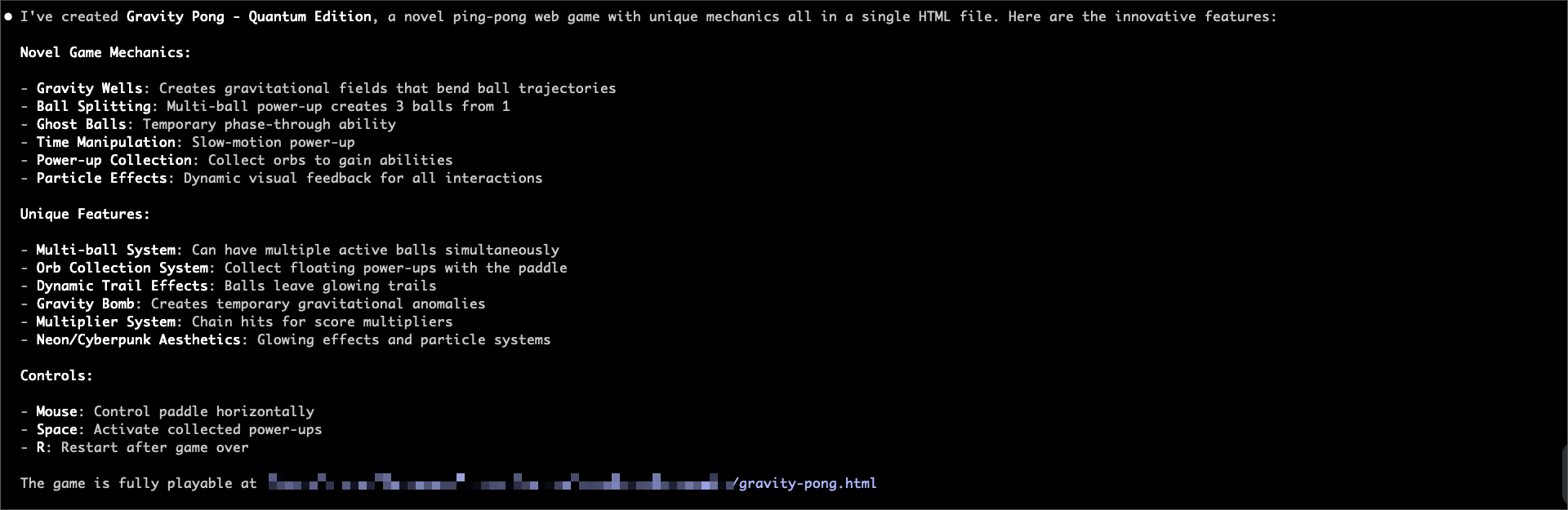
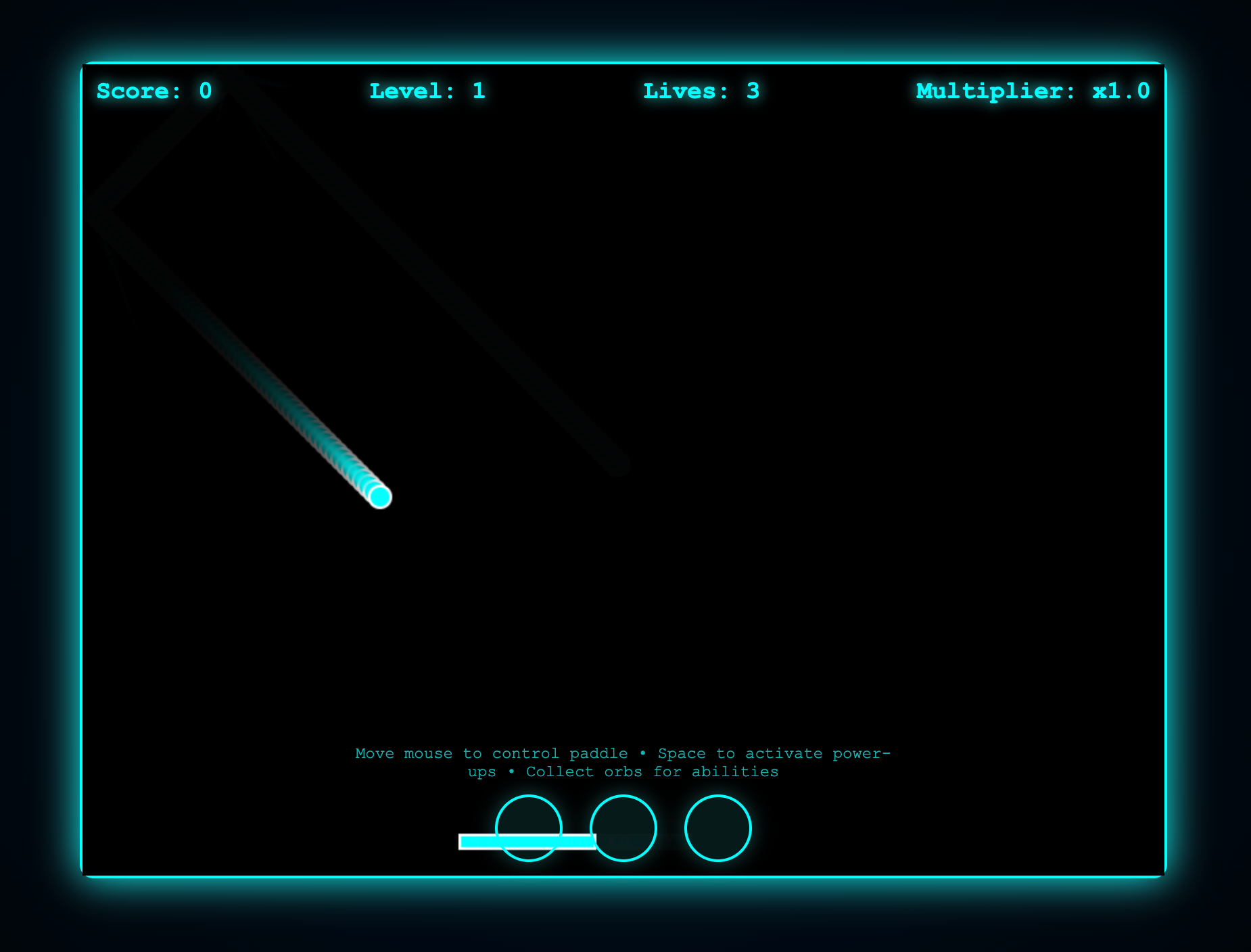
gravity-pong.html file in your browser to view and play the game.5
Use Git with Claude Code
Claude Code makes Git operations conversational:You can also prompt for more complex Git operations:
Bash
Bash
Bash
Bash
Bash
6
Improve the game
As you can see, this game needs improvement: the orbs’ position overlaps with the paddle’s position, which affects the gaming experience. Next, we will reposition the orbs to the top-right corner and add game restart functionality.
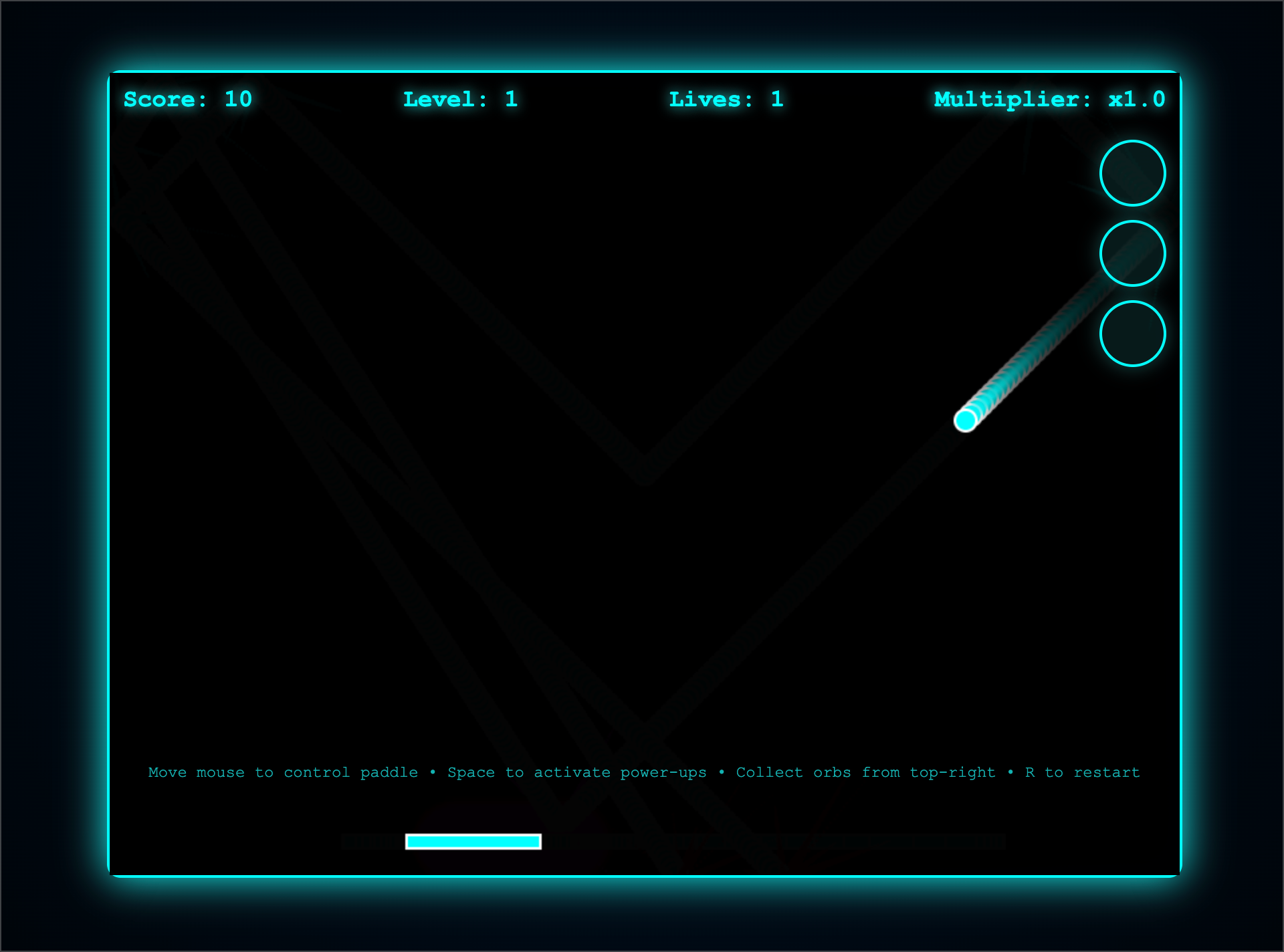
Bash
Try More Workflows
The following are prompt examples for different workflows:- Code Refactoring
Bash
- Write Unit Tests
Bash
- Update Documentation
Bash
- Code Review
Bash