browser-chromium sandbox template released by Novita. If you want to create your own template based on this or view more complete example code, visit example on GitHub.
1
Get Novita API Key
Create an API key on the Key Management page and store it securely.
2
Install Dependencies
Install the required Python packages:
CLI
3
Example Code
Before getting started, you need to configure the necessary environment variables:Save the following code:agent.py
CLI
Python
4
Run the Agent
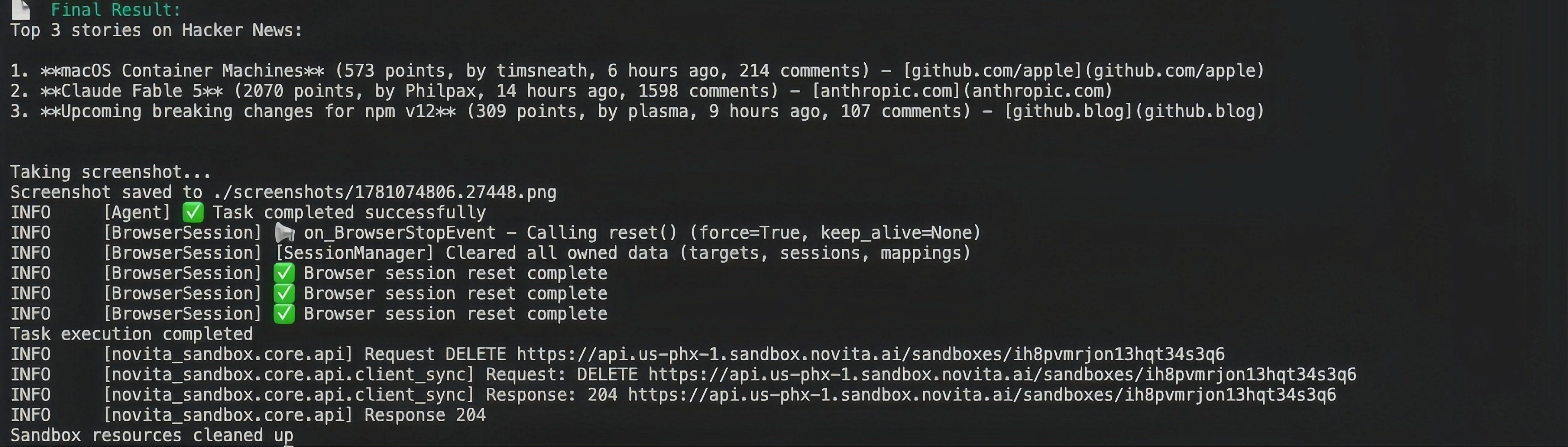
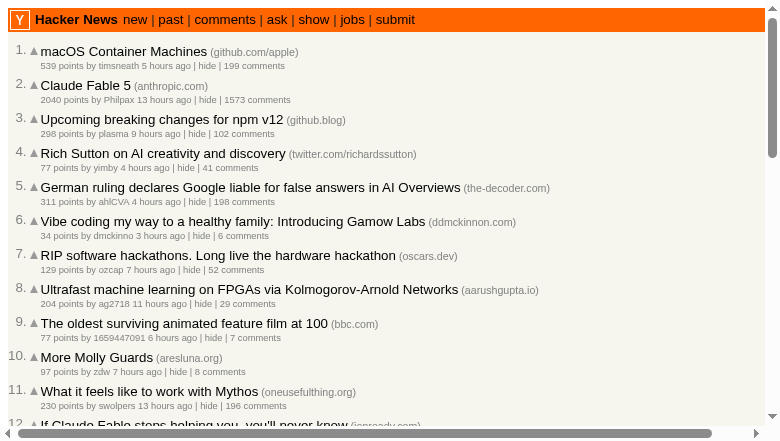
After installing the dependencies and setting up the environment variables, you can run the example code. If everything goes well, you can see the output in the terminal as below. Browser-use is running tasks in the remote browser inside your sandbox.