

Quick Start
1. Install Claude Code
To install Claude Code, run the following command:2. Start your first session
Open the terminal and set up environment variables as follows: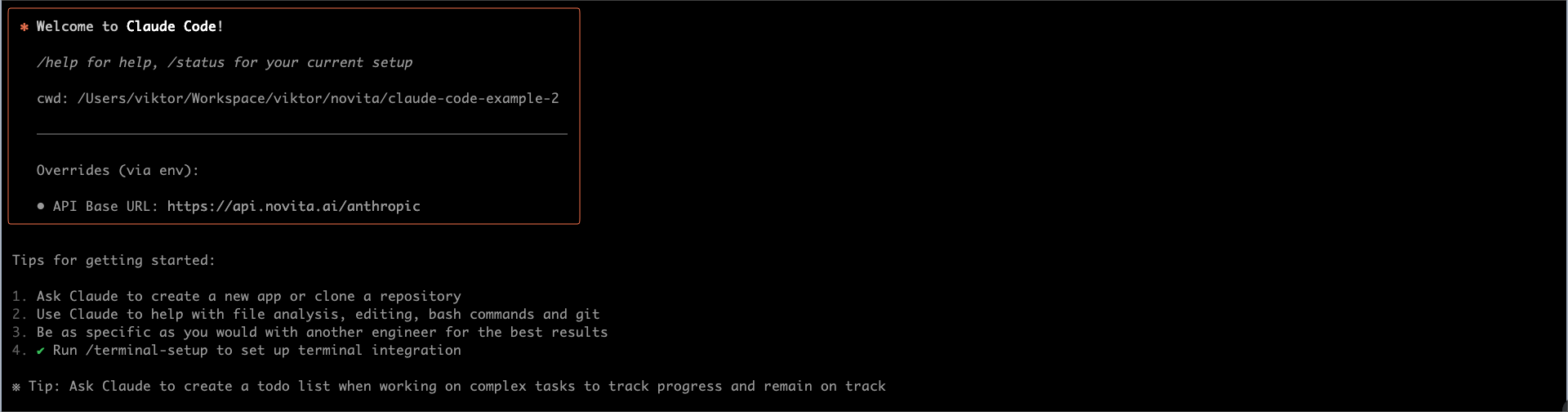
3. Build a web game from scratch
Input your task description, then pressEnter to start this task.
Bash


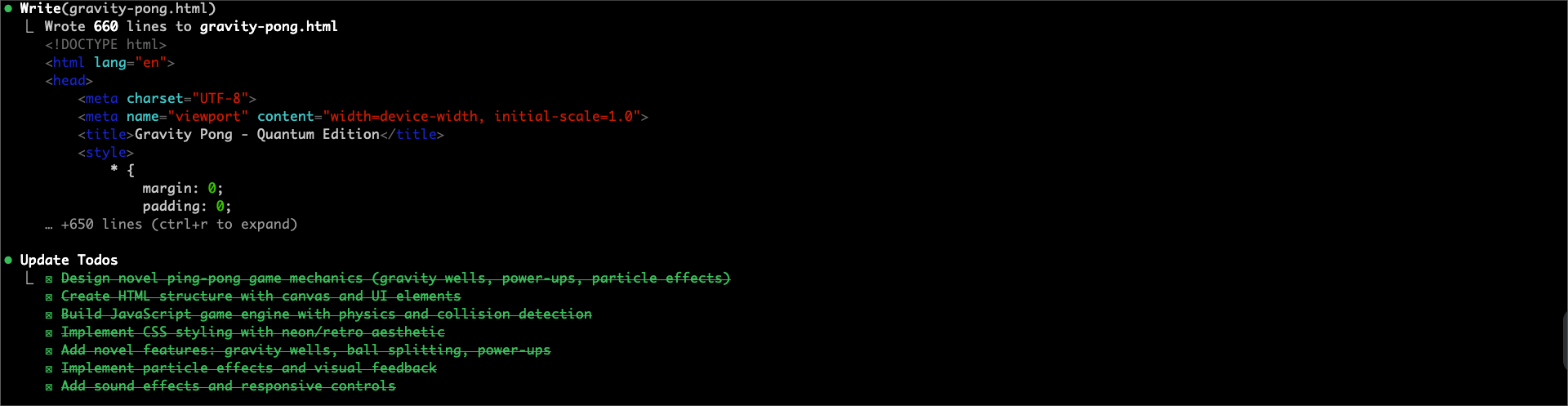
4. Task Results and Preview
After all tasks are completed, you will see the following messages in the terminal: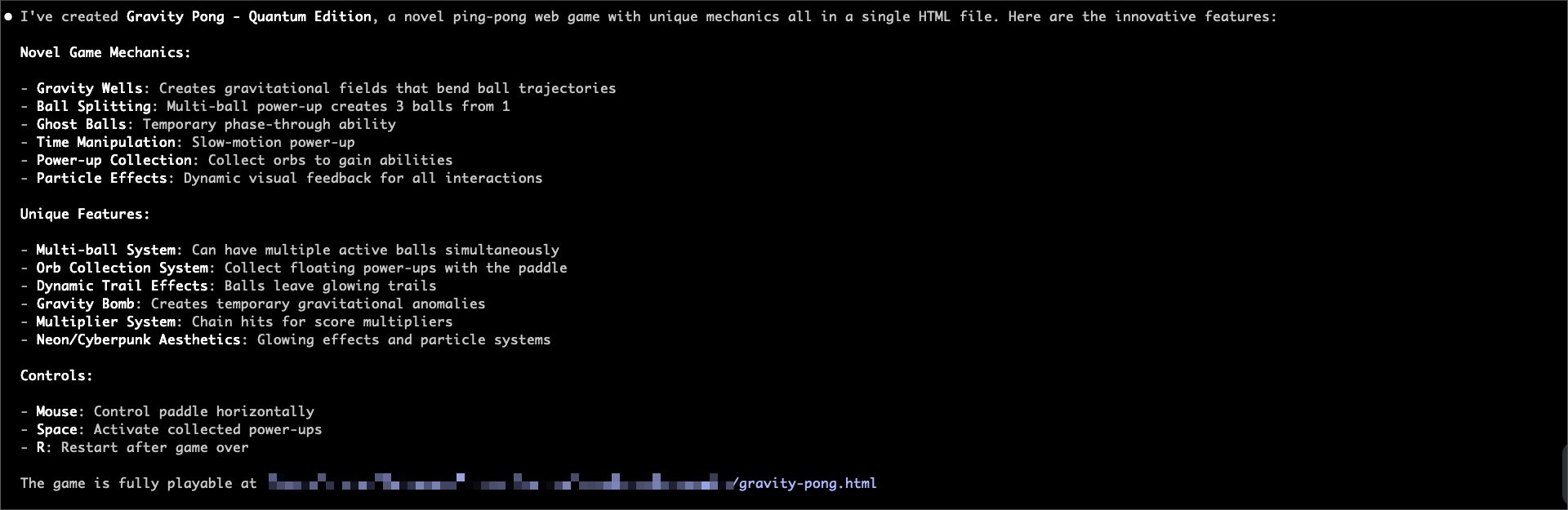
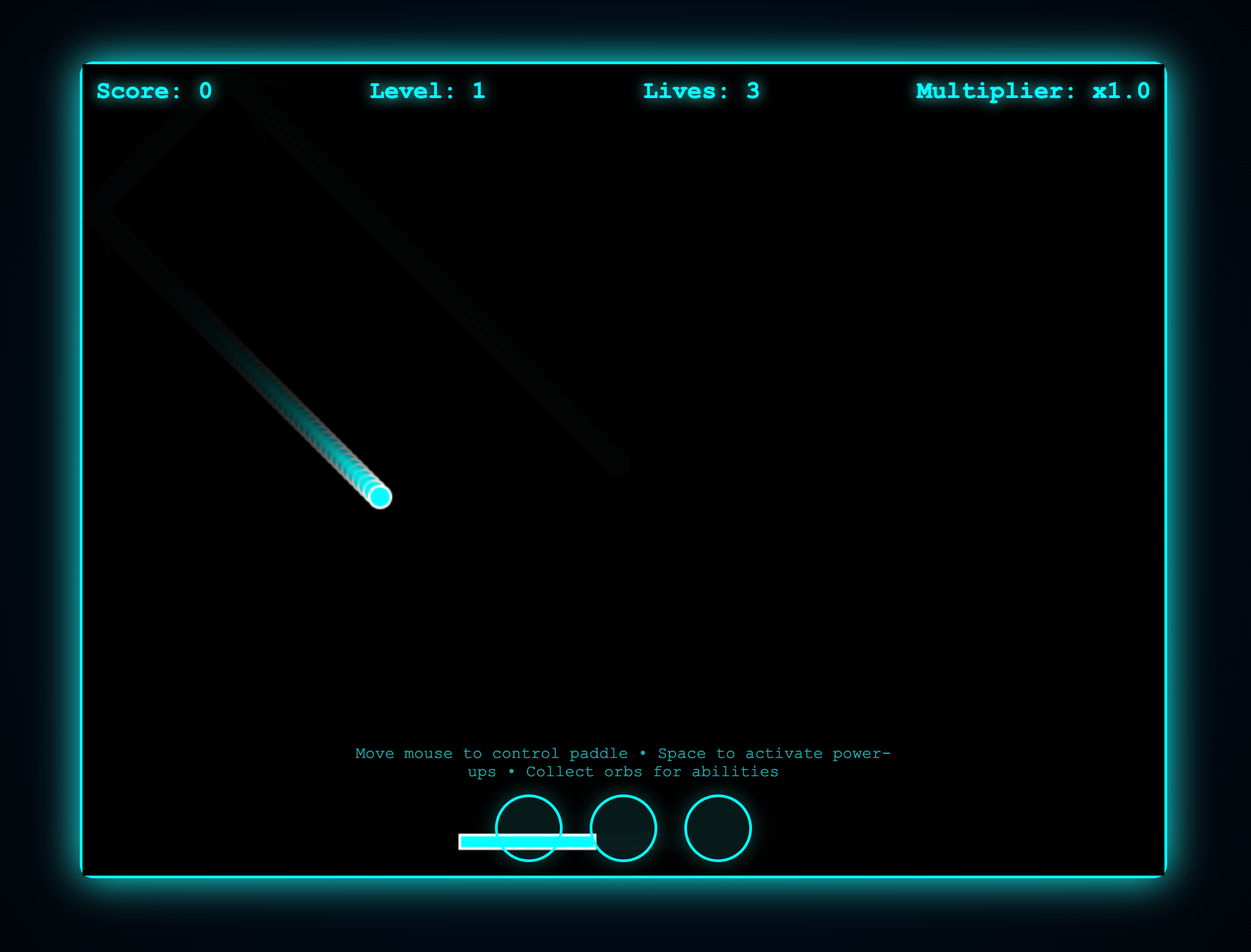
gravity-pong.html file in your browser to view and play the game.
5. Use Git with Claude Code
Claude Code makes Git operations conversational:Bash
Bash
Bash
Bash
Bash
6. Improve the game
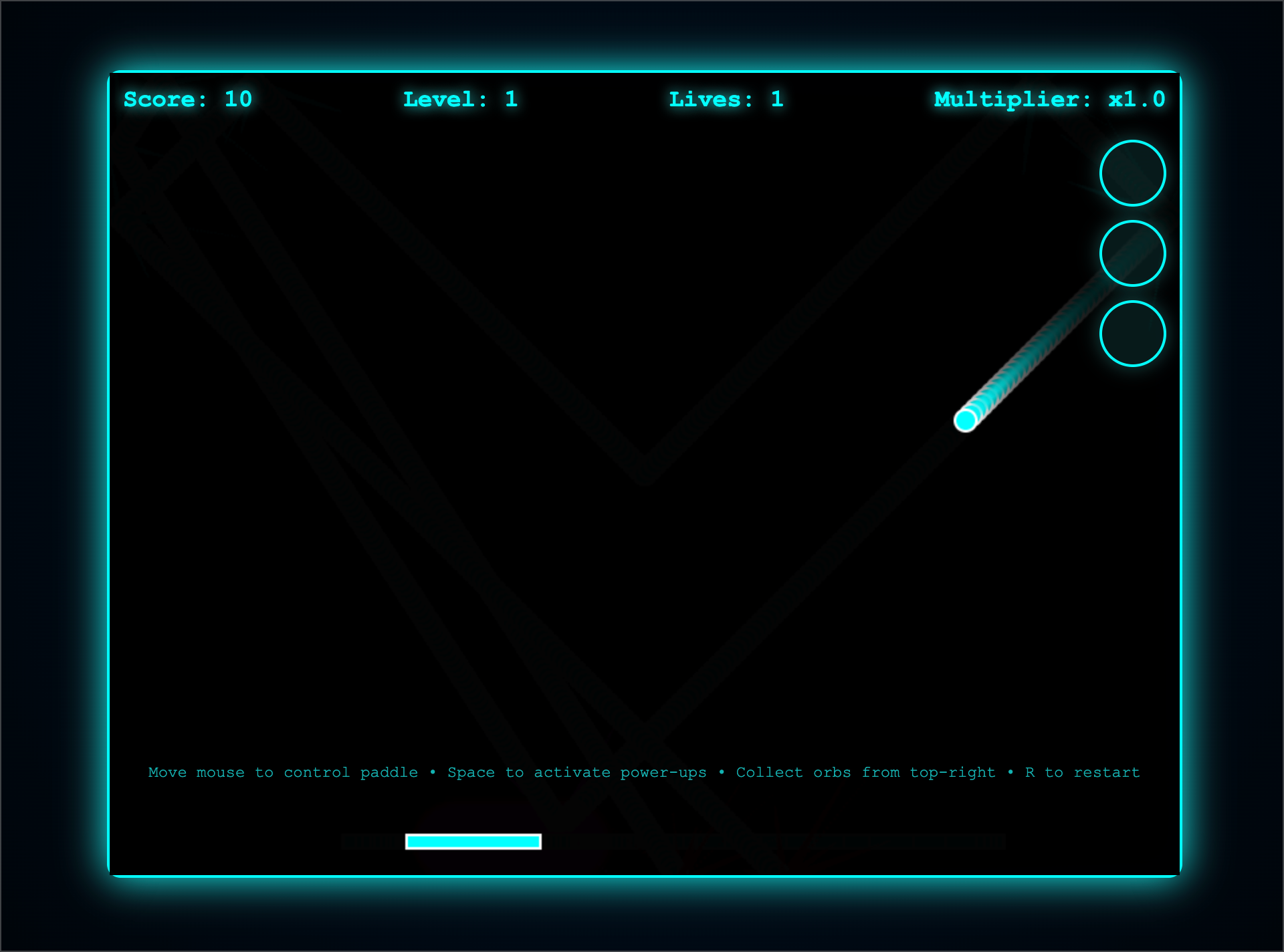
As we can see, this game needs improvement: the orbs’ position overlaps with the paddle’s position, which affects the gaming experience. Next, we will reposition the orbs to the top-right corner and add game restart functionality.Bash

Try More Workflows
For reference, the following provides some prompt examples for different workflows:- Code Refactoring
Bash
- Write Unit Tests
Bash
- Update Documentation
Bash
- Code Review
Bash