

Using Novita AI on Hugging Face in the Website UI
1
Configure API Keys
Access your account settings dashboard to configure your API keys. Input your Novita AI authentication credentials into the Hugging Face platform.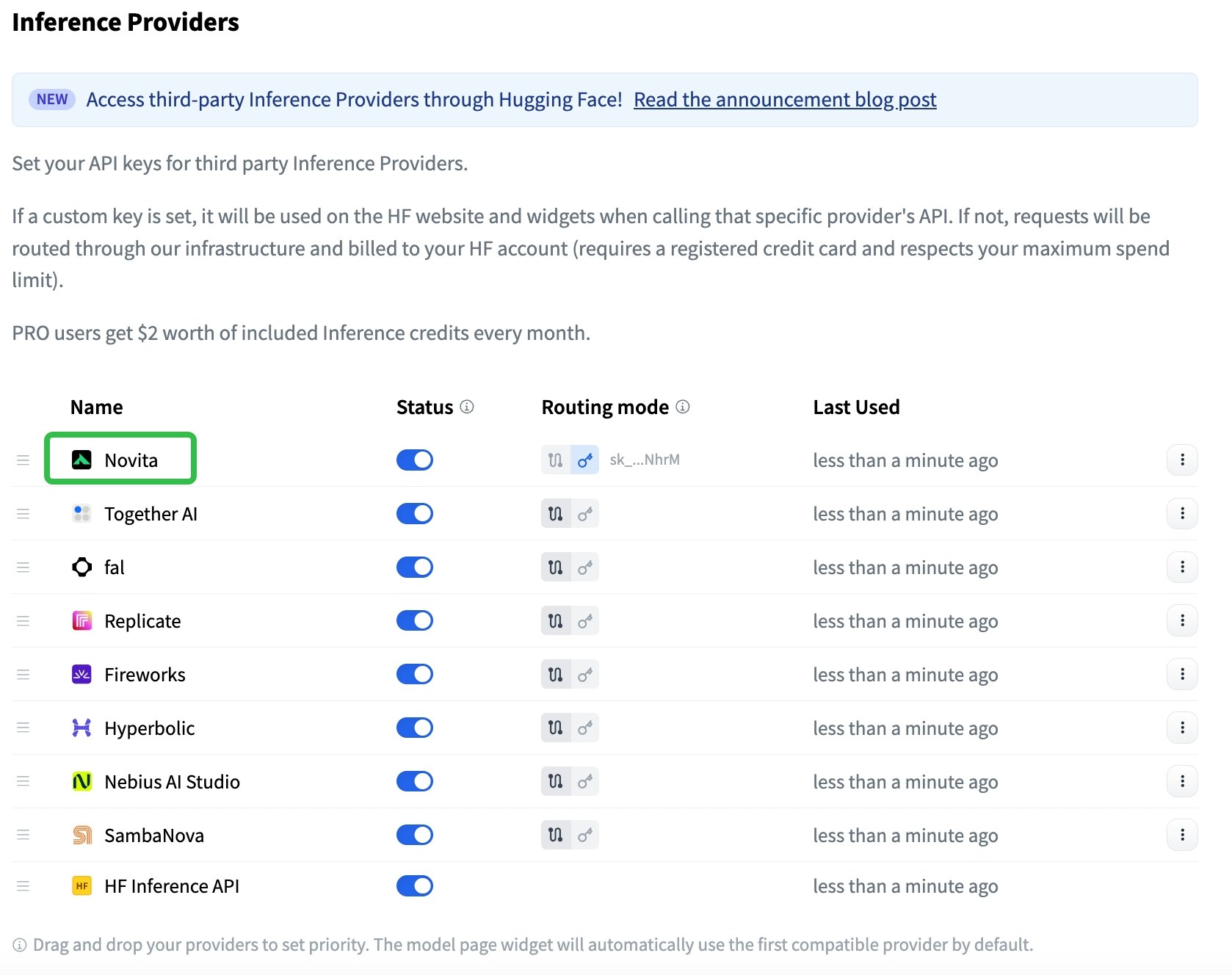
2
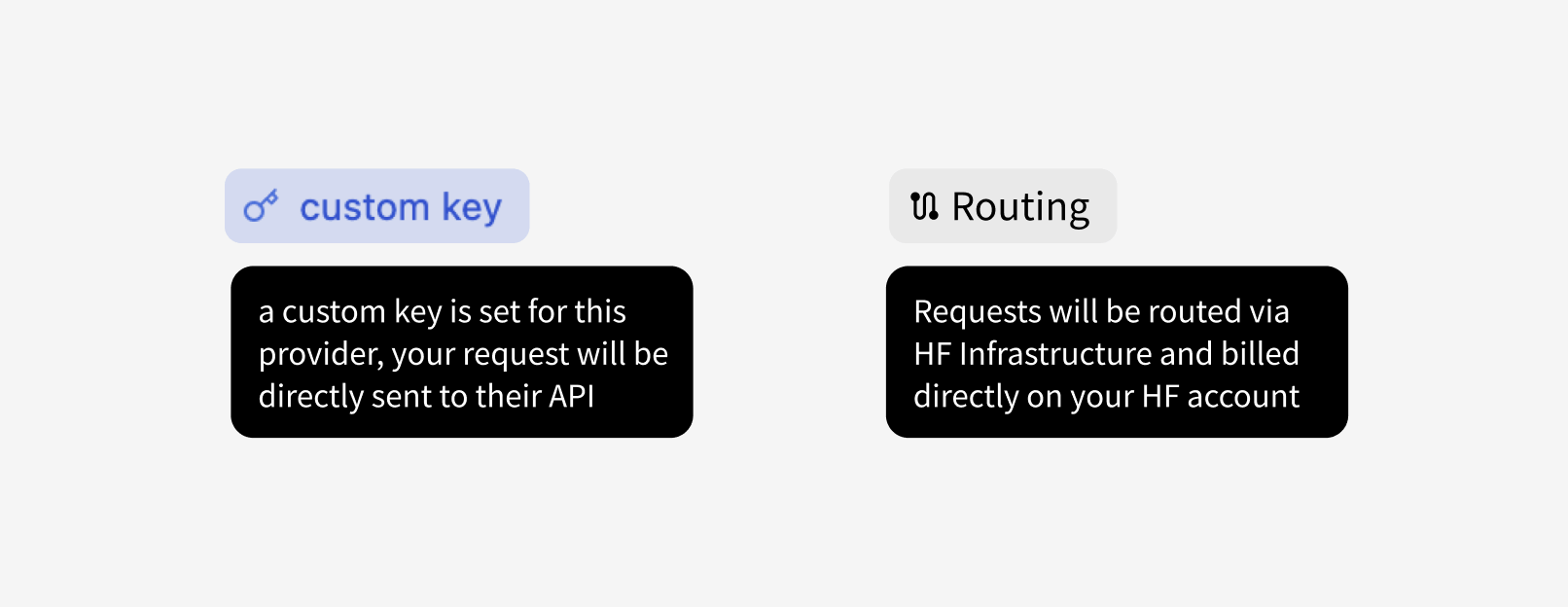
Choose Inference API Modes
- Custom Key Mode: Calls are sent directly to the inference provider, utilizing your own API key.
- HF-Routed Mode: In this mode, no provider token is required. Charges are applied to your Hugging Face account instead of the provider’s account.
3
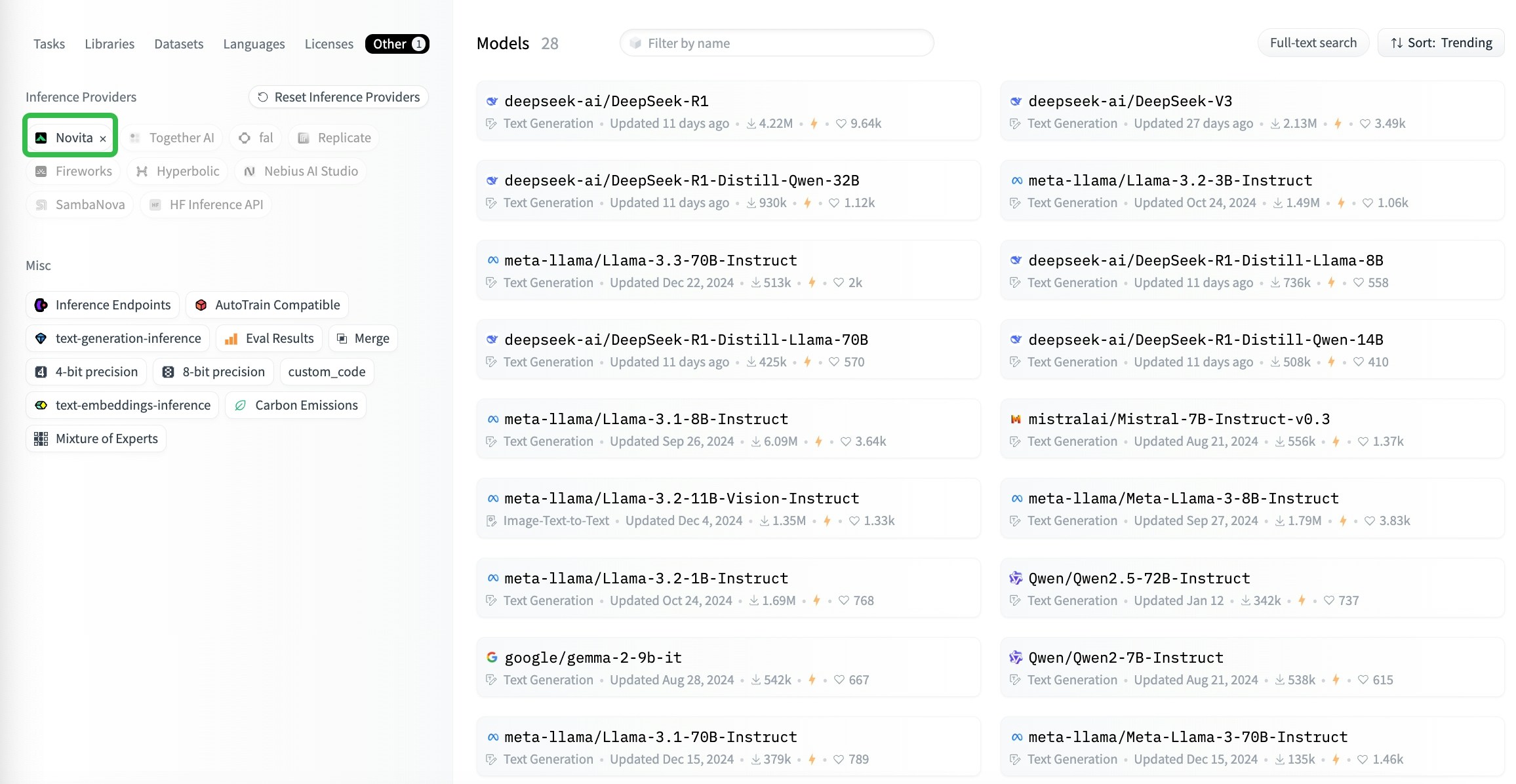
Explore Compatible Providers on Model Pages
- Model pages display third-party inference providers compatible with the selected model (the ones that are compatible with the current model, sorted by user preference).
Using Huggingface_hub from Python by the Client SDKs
1
Install Huggingface_hub
Install Huggingface_hub:
2
Call model API in Python